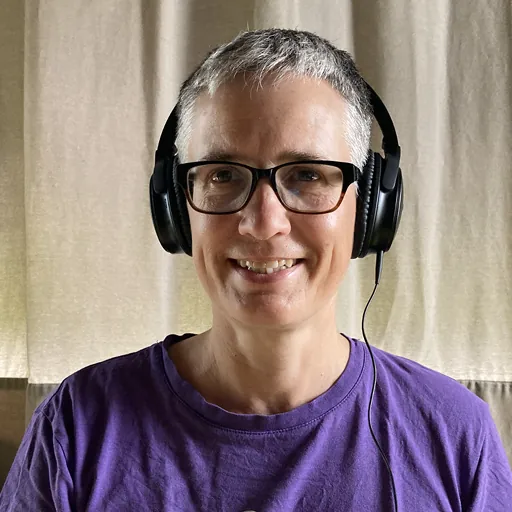
Why Annabelle Wick Relies on Frazier Today
With Frazier, I save 20% more time compared to my old workflow.
Hello Annabelle, please introduce yourself briefly.
I’ve always been drawn to the media sector. For two decades, I produced various types of trailers for platforms like Sat.1, RBB, cinema, and festivals. My entry into audio description came through a blind friend who spoke enthusiastically about the profession.
In 2020, I completed a training course in audio description with Anke Nicolai. Since then, I’ve worked freelance in this field, exclusively so since 2022. I’ve also been involved with the board of Hörfilm e.V. since the end of 2023.
How did you start? Which tools did you use initially?
During my training, we relied on Word and VLC Player. While I appreciate VLC Player for its versatility in playing any media, its control functions are cumbersome for audio description work, and it doesn’t display the audio track effectively. This led me to switch to Final Cut, a program I was familiar with from my previous work. I continued to write the text in Word, but at least Final Cut allowed for better video navigation.
What was the biggest hurdle in your workflow back then?
The biggest challenge was certainly the lack of a link between the video player and the text editor. Every timecode had to be typed in manually. This was not only time-consuming but regularly resulted in typos and number transpositions. If the timing changed in later passes or during acceptance, all affected timecodes required manual adjustment in the document—an enormous burden, especially during stressful phases.
I also experimented with subtitling software, but aside from setting a timecode, it offered little benefit. It hardly saved any time and imposed so many restrictions that I quickly realized it wasn’t the right path for me.
Why did you switch to Frazier?
I discovered Frazier through a workshop with Marit Bechtloff. The moment I saw the editor, it immediately clicked. Finally, an interface that seamlessly combines a video player and text editor! The transition was very easy, as its user interface—with a preview window, waveform display, and text blocks—is intuitively based on modern editing programs.
What do you like most about Frazier?
I find it wonderful that I simply click the mouse and the timecode is generated instantly. If I move a segment, its timecode automatically moves with it. The ability to have the text read aloud directly by an integrated AI voice is also simply brilliant. Furthermore, the glossary and editable markers within Frazier make my work on complex materials or series significantly easier, which is particularly helpful for editorial tasks.
So, no way back to the old workflow?
Absolutely not! Working with Frazier is now my standard. A return to the old workflow is simply out of the question.