
Generate Audio
Transform your script into a professional audio file with just a few clicks. Whether you’re using neural voices or ElevenLabs’ cutting-edge text-to-speech technology, you can customize the voice, language, and settings to match your project’s needs.
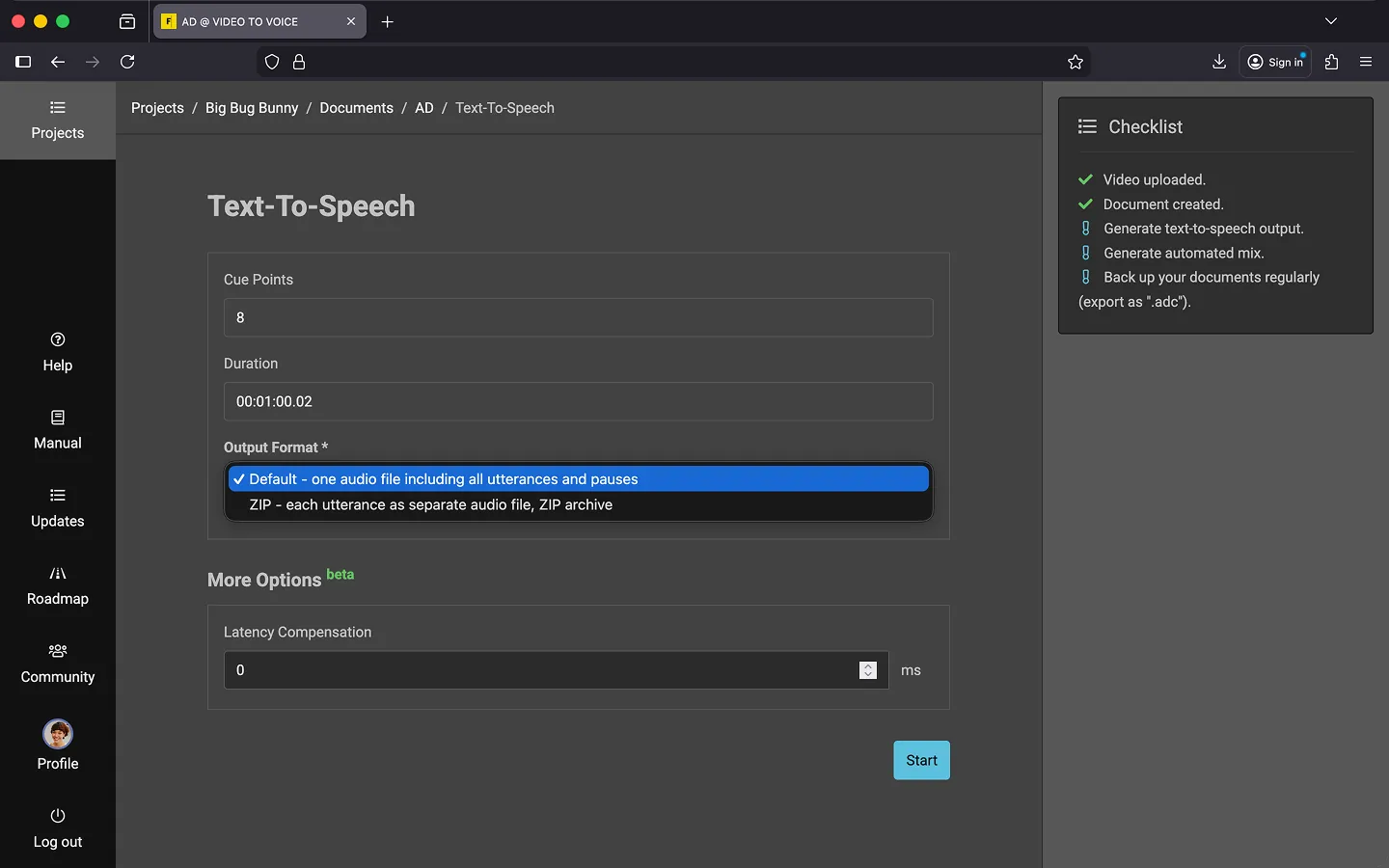
How to Generate an Audio File
- Open the context menu of the document.
- Select “Generate Text-To-Speech…” from the options.
- Choose an output format.
- Click “Start” to begin the process.
Output Formats
- Default - single audio file
- This option is useful if you want to do a mix afterwards or need a complete audio track including pauses.
- ZIP - multiple audio snippets
- This option is used if the individual voice snippets are used later and pauses between them are not relevant. This option is not suitable for automated mixing of audio descriptions.
Last Update: 2026/01/23