
Create a Document
Once you have uploaded a video and initialization is complete, you can create a document.
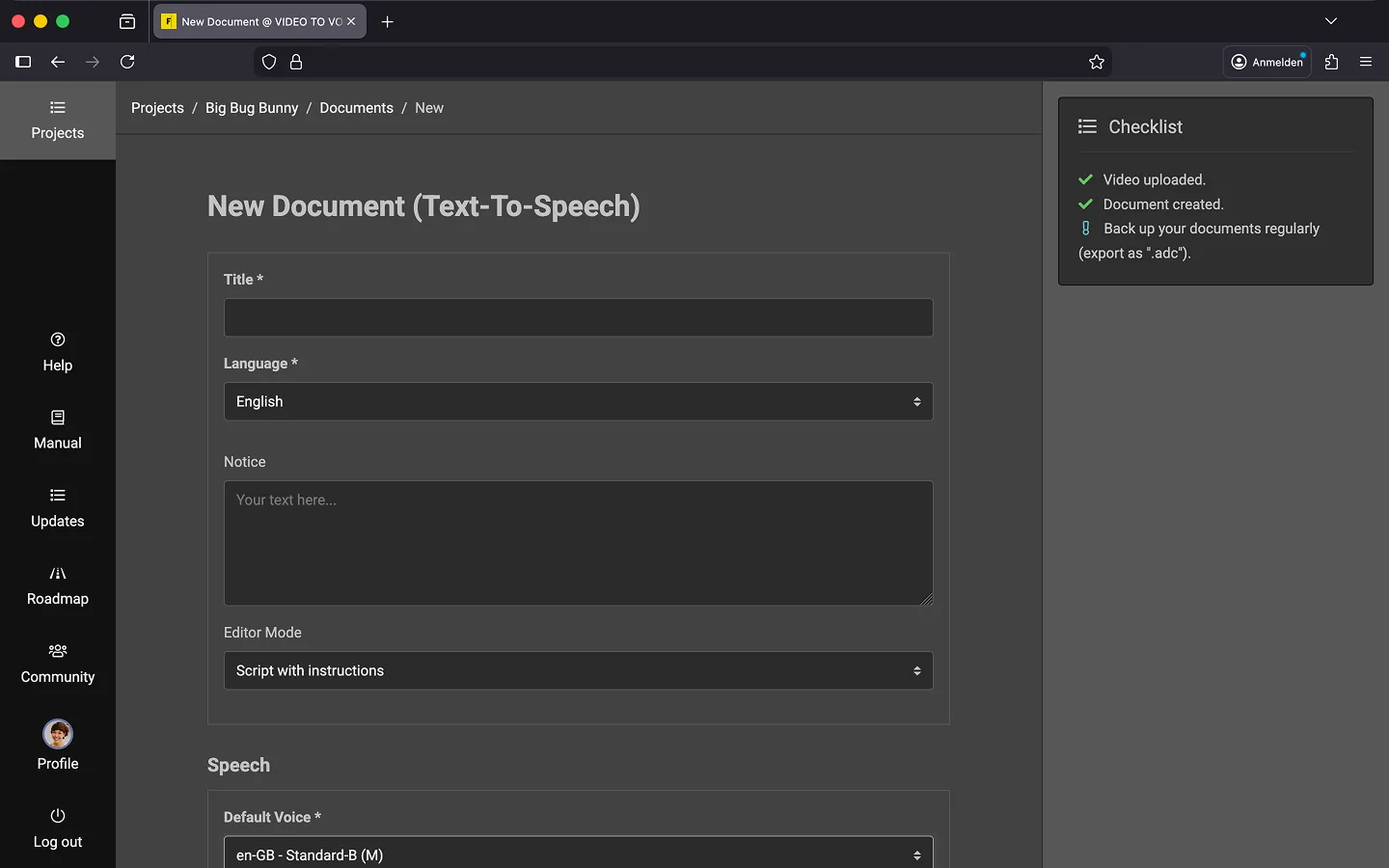
How to Create a New Document
Open your project and click on “New Document.”
- Give your document a title. 😉
- Select the “Language” for the audio description. This selection determines which voices you can use for the text-to-speech preview.
- Optional: Add a short note. It will appear in the project overview, next to the document title.
- Decide whether you want to include dialogue information.
- Choose a voice for the text-to-speech. *
- Set the speaking speed. **
- Click “Create”.
Once you’ve completed these steps, the editor will open automatically.
Tip 1: You can find a detailed description of all available options in the Settings chapter.
Tip 2: In theory, you can create an unlimited number of documents.
Last Update: 2026/01/23