
Demo-Projekt
To allow you to test the editor right away, we have prepared a demo project for you. It contains a short clip from the film “Big Buck Bunny.”
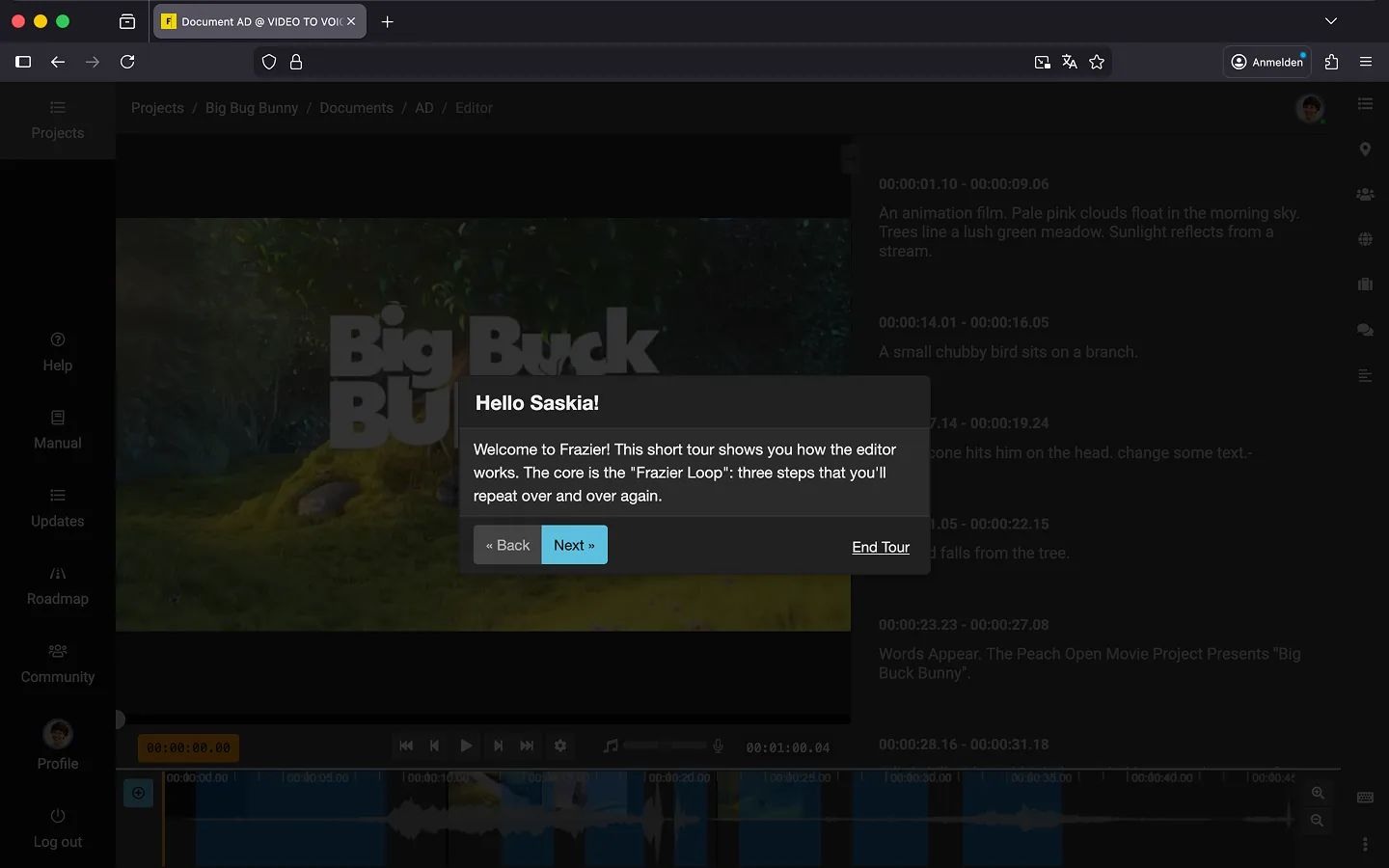
The Editor Tour
When you open a document for the first time, a quick tour will begin, explaining how to use the editor. It only takes two minutes, so take a moment to follow along. By the end, you’ll have a good grasp of how everything works.
Tip: The tour is interactive and encourages your participation 😉*
The Manuscript
In your demo project, you will find a completed script ready for playback. This gives you a direct impression of how video, text, and voice output work together in Frazier. You can edit the document at any time—feel free to experiment with your own text! You will notice that Frazier saves your changes automatically and reads your new text aloud as soon as you play the video again.
Document Export
In the editor, click the “Export document…” option in the bottom-right context menu to explore different export formats. Keep in mind that during the trial version, only the first 10 text blocks of a document can be exported.
Delete Demo Project
Once you have finished with the demo and no longer need it, you can delete it. To do so, open the project and select the ‘Delete…’ option from the context menu next to the title.”
Now you’re ready to start creating your first project!
Last Update: 2026/02/12