
Backup
Frazier automatically saves every text change in your document to the server. However, we recommend regularly saving a local copy of your work on your computer for added security.
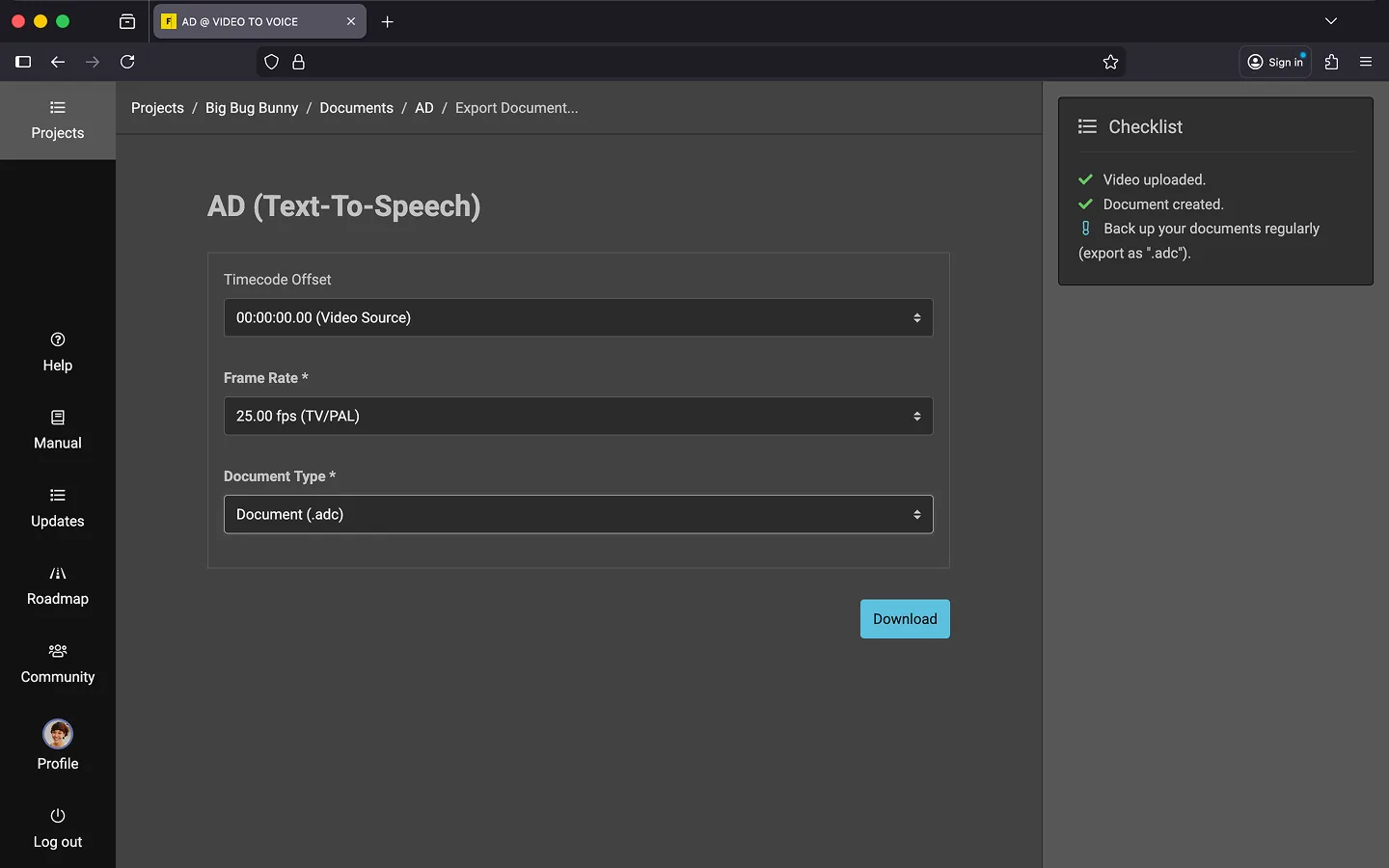
Creating a Backup
A backup allows you to restore Frazier documents later, even for projects that have been completed or deleted. Since these files are very small (just a few KB), it’s better to back up too often than too little. 😉
- Open the context menu in the bottom-right corner of the editor.
- Select “Save Backup.”
- Your browser will download a .adc file automatically.
We recommend making it a habit to save a backup at the end of each workday.
Important! Use the .adc file solely as your backup. Other export formats (like .docx) do not include all necessary information, such as voice settings, comments, and markers. Even if your client only requires a .docx file, always save an .adc file for yourself.
Last Update: 2026/01/23