
Manage Contacts
Create a contact list of all your colleagues who also have a Frazier account. You can then invite them to a project and collaborate with them.
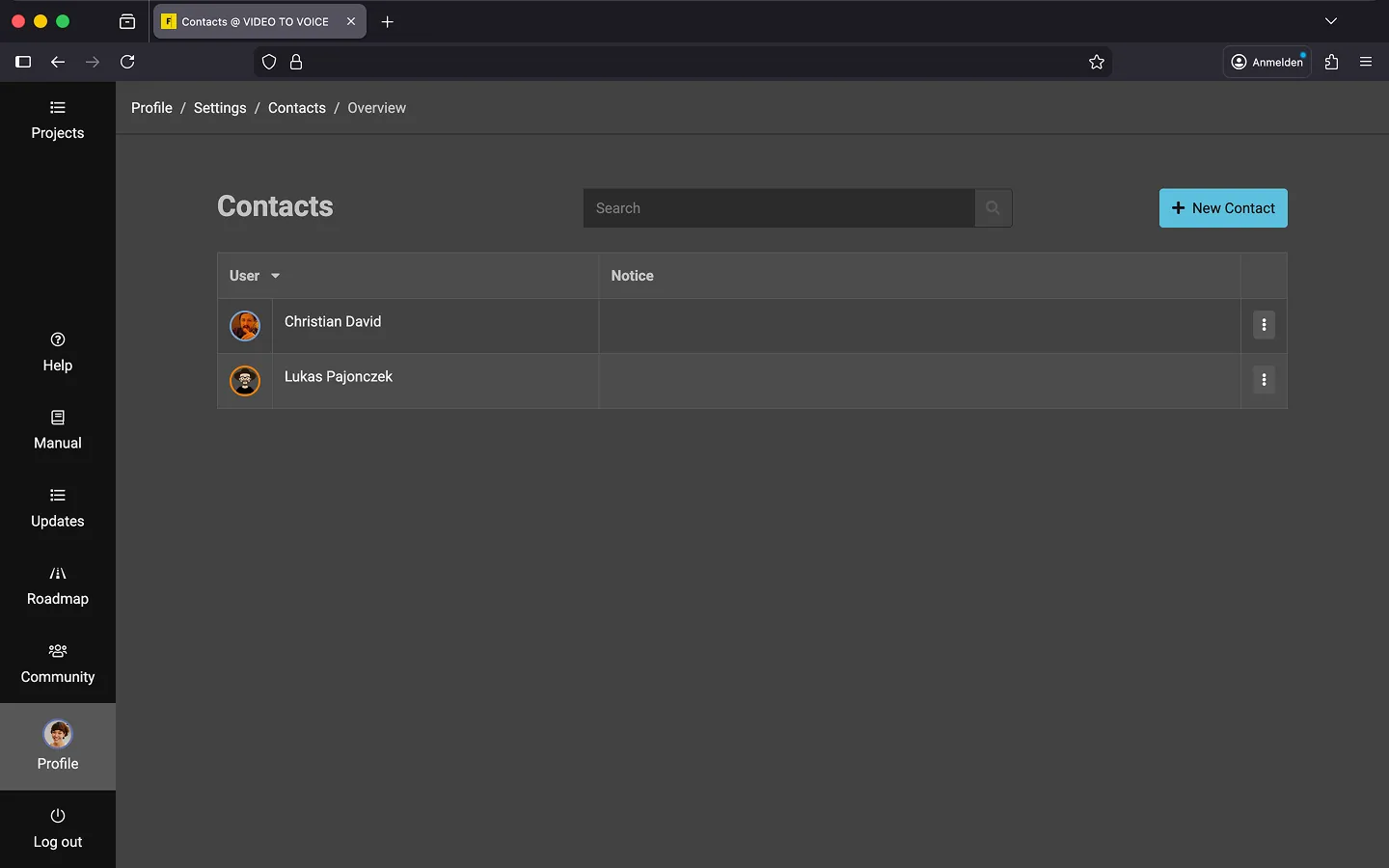
How to Add a Contact
- Open the “Profile” page.
- Scroll to the Collaboration section and click “Manage Contacts”.
- Click on “New Contact”.
- Enter the email address of your contact.
- Click “Create”.
Please note that only accounts with an active subscription can be added to your contact list. Additionally, you will need the correct email address your contact used to register with Frazier.
Tip: You can also add contacts directly from the Community page..
How to Delete a Contact
You can delete your contacts at any time.
- Open your contact list.
- Open the context menu (3 dots) next to the contact.
- Click on “Delete.”
- Confirm the deletion by clicking “OK.”
Last Update: 2026/01/23