
ElevenLabs
To use ElevenLabs voices in Frazier, you need your own ElevenLabs account and our “Production” or “Enterprise” plan.
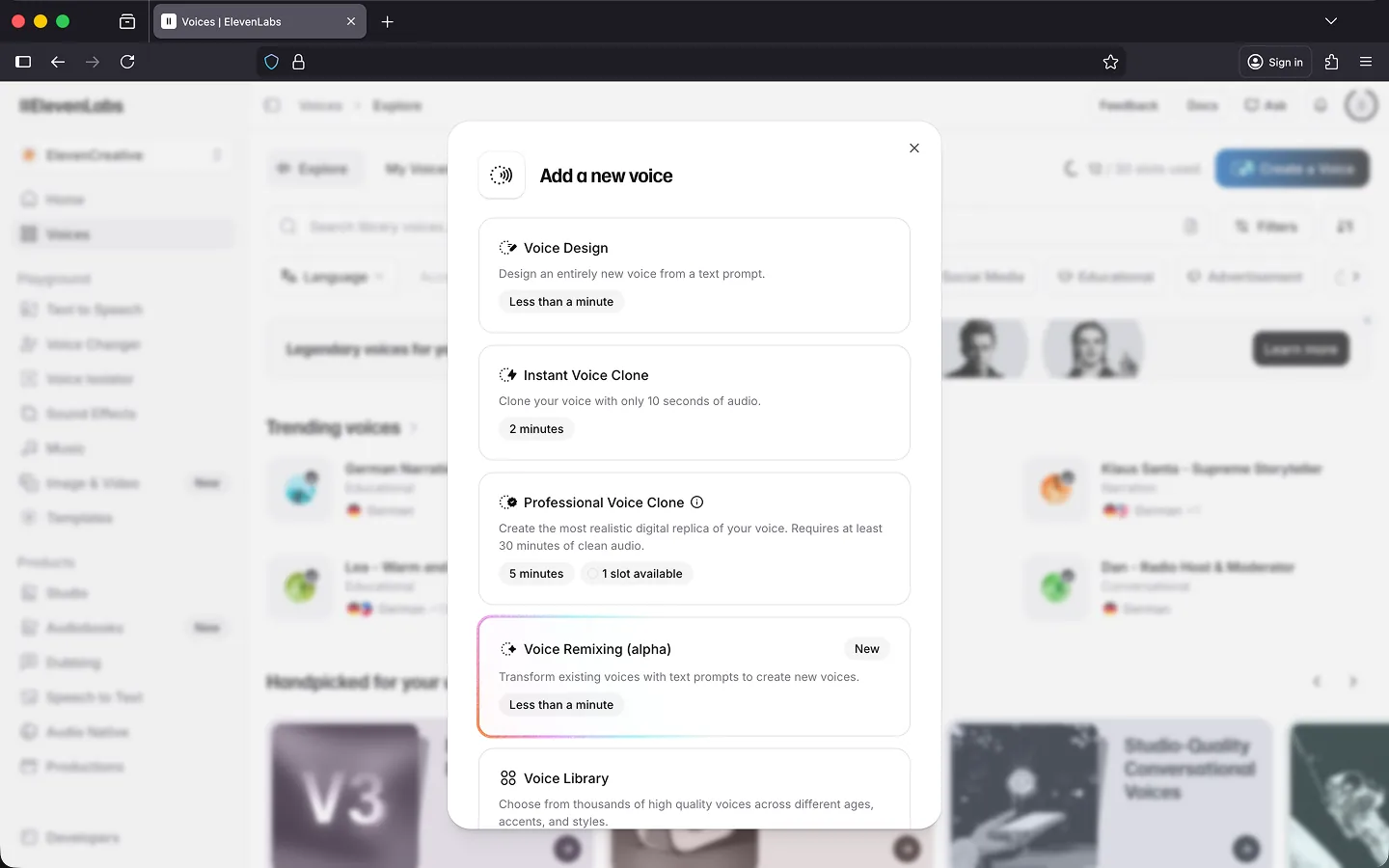
Choosing the Right Plan!
We recommend the ElevenLabs “Creator” plan for optimal sound during audio export. For $22 / month (as of Feb 12, 2026), you get 100,000 characters of speech output included. This typically covers an average of 50–100 minutes of audio export per month.
Once the monthly character limit is reached, ElevenLabs switches to usage-based billing. It may be worth upgrading to a larger ElevenLabs plan beforehand, as this is usually more cost-effective than pay-as-you-go billing. You can find details in your ElevenLabs account.
Note: If you are unable to create your own account, please contact support and we will find a solution together.
Selecting Voices
Unlike “Standard” voices and neuronal voices from AWS, Google & Microsoft, there is no fixed pool of available voices. Instead, you determine which voices you want to work with in Frazier.
The settings in ElevenLabs allow for the generation of hundreds of different voices. Voice cloning is also possible. Explaining all options here would go too far; ElevenLabs provides its own documentation for this. Be sure to check it out!
To use them in Frazier, you need to make a selection and then create a mapping between the ElevenLabs settings and a voice in Frazier. Don’t worry, we will help you with this.
Essentially:
  ElevenLabs Voice +
  ElevenLabs Language Model +
  ElevenLabs Voice Settings => One Voice in Frazier
Important: Please familiarize yourself with the possibilities offered by ElevenLabs beforehand and ideally prepare a list of the voices you wish to use in Frazier.
Plugin Setup
We set up the ElevenLabs plugin together during a short call. For this, we need your list of desired voices and your current API key. Based on this data, we create the initial configuration for the plugin. This is usually completed within one business day.
Testing Phase
Once we have set up the plugin, you can test it in Frazier. To do this, open a document. You will now find a new group called “ElevenLabs” in the voice selection in the editor. Select one of the voices and write a short text. The changes should be saved as usual and a blue bar should be generated on the timeline. Press the spacebar to play the video and the audio description.
If you are not satisfied with the current settings, go back to ElevenLabs and test new combinations. Then send your change requests to support.
Live Operation
Once you are satisfied, we switch to live operation. To do this, please change your API key at ElevenLabs once and update it in the plugin. The new API key will then be stored in Frazier in encrypted form and will only be known to you and Frazier.
Billing
You are responsible for the costs of your ElevenLabs account and the consumption of speech output. Current information regarding your consumption can be found at ElevenLabs. Follow the tips above to minimize and control consumption.
Using our ElevenLabs plugin in Frazier is free of charge. Only the standard fees for audio export and automated mixing apply.
Tips
Keep an Eye on Character Consumption!
Depending on the amount of audio description, writing style, and the number of revision loops, character consumption in the editor typically ranges between 1,000 and 2,000 characters per minute of film material.
However, these values can vary significantly. For example, interviews usually have much less audio description, and consumption can quickly drop below 500 characters per minute. On the other hand, for a film where subtitles are also edited and read aloud with different voices alongside the audio description, character consumption can reach around 5,000 characters per minute.
Particularly at the beginning, you should check your ElevenLabs counter regularly after the first few projects to get a feel for your personal character consumption.
Script Creation with “Standard” Voices!
If you want to create longer audio descriptions, it is recommended to write the text using a “Standard” voice first. Once your manuscript is finished, you can switch to the ElevenLabs voices and perform the fine-tuning.
This workflow saves time—as ElevenLabs speech output is comparatively slow—and also reduces your character consumption, as fewer revision loops with ElevenLabs voices are required.
Troubleshooting
Is the speech output in the editor not working? This can have several causes. To troubleshoot, click on “Plugins” in your profile and select the “Test connection” option from the context menu of the “ElevenLabs” plugin.
Possible Error Sources:
- Your API key has expired or has been changed. In this case, the connection test will fail. Open the configuration and check the API key. If in doubt, generate a new one at ElevenLabs and enter it in Frazier.
- You have used up the available characters for this month and have not yet activated usage-based billing at ElevenLabs. The diagnosis will show that your “Character Limit” has been exceeded. The “Character Count” shows your current consumption. In this case, you must log in to ElevenLabs and enable usage-based billing.
If none of this helps, please contact support.
Last Update: 2026/03/06