
Timecodes
TCIN (Timecode In) and TCOUT (Timecode Out) are automatically created when you add a text block to the timeline. If you move a text block, the timecode adjusts automatically.
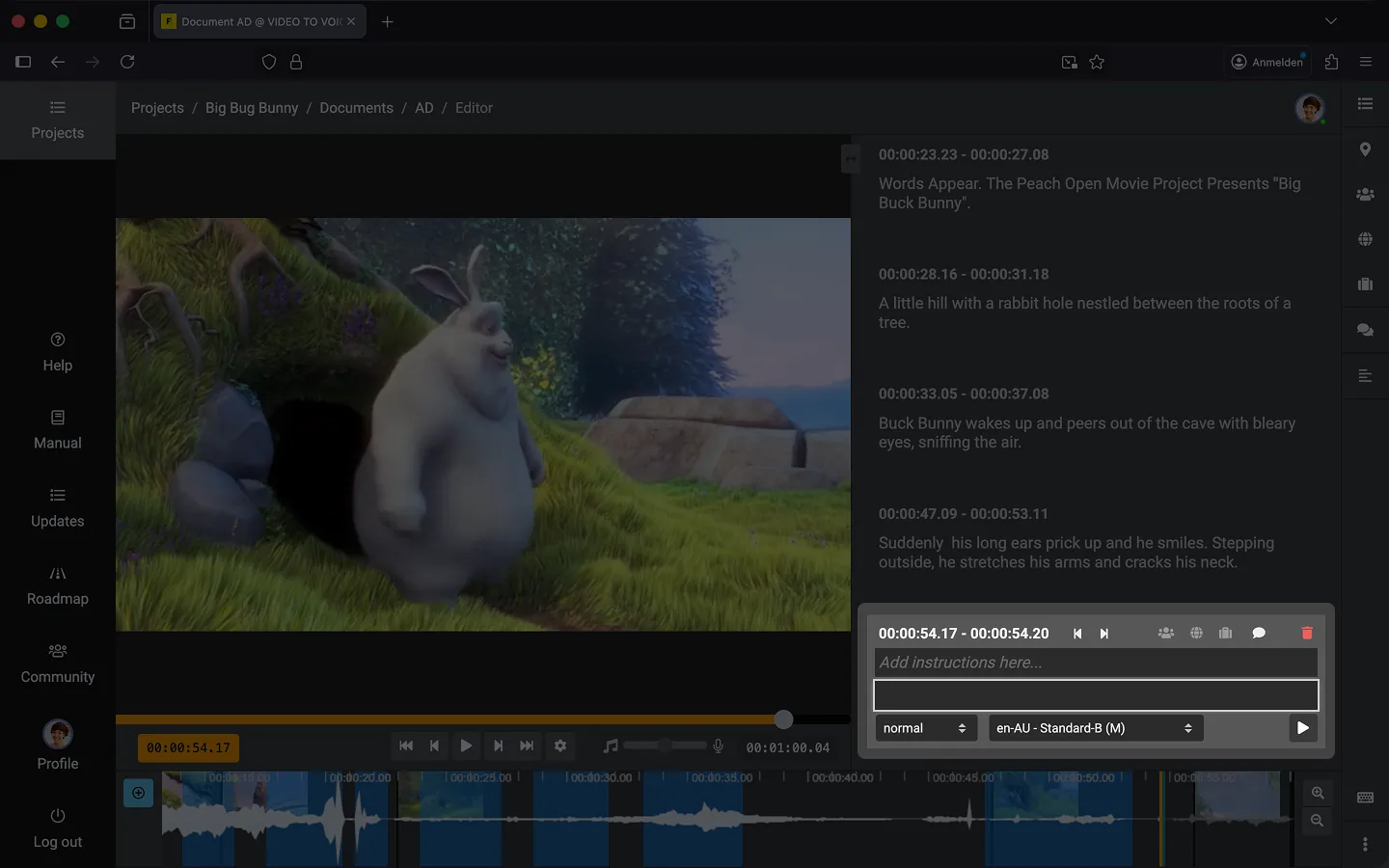
How to Create a Timecode
The easiest way to add a text block is by pressing the “Enter” key. Alternatively, you can click the “+” icon on the timeline.
Adjust Timecode
- Use the arrows next to the timecode to shift it by 1 frame at a time.
- Clicking the pencil icon opens a dialog where you can manually enter the new position for the text block.
- Alternatively, you can move the text block on the timeline using drag and drop.
- If you want to move multiple text blocks at once, use batch processing.
Last Update: 2026/10/07