
Delete a Document
You can create an unlimited number of documents in a project. Therefore, deleting a document should only be a last resort.
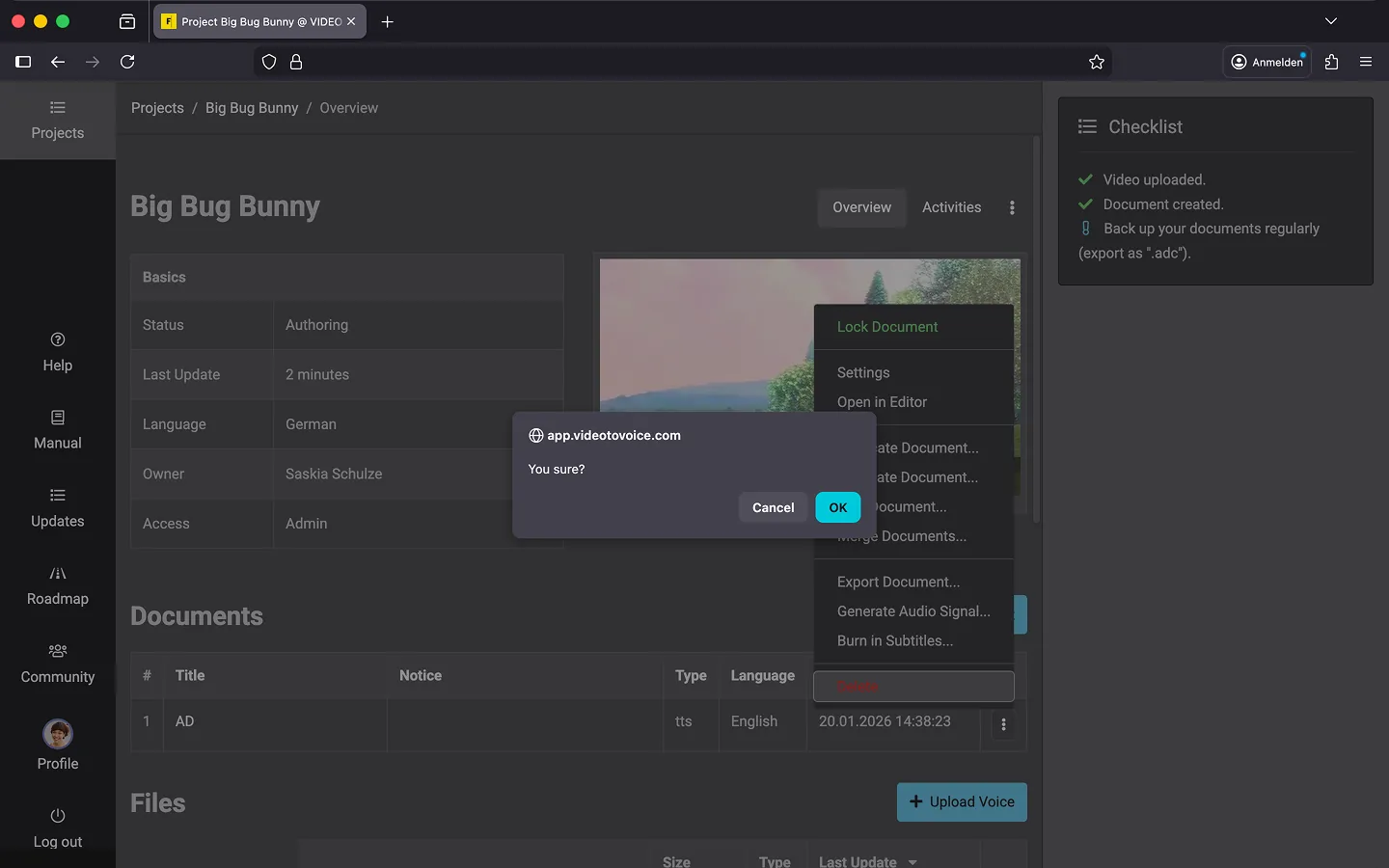
How to Delete a Document
Before deleting, it’s a good idea to create a backup by exporting the document as .adc files. This way, you can reconstruct the document later if needed.
- Open your project.
- Open the context menu to the right of the document.
- Select the “Delete” option.
- Confirm the security prompt by clicking “OK.”
Last Update: 2026/01/23