
Duplicate Document
Do you want to test your script with different voices? Or hand over your script for review? Make a copy beforehand to ensure that your original settings and texts are not overwritten.
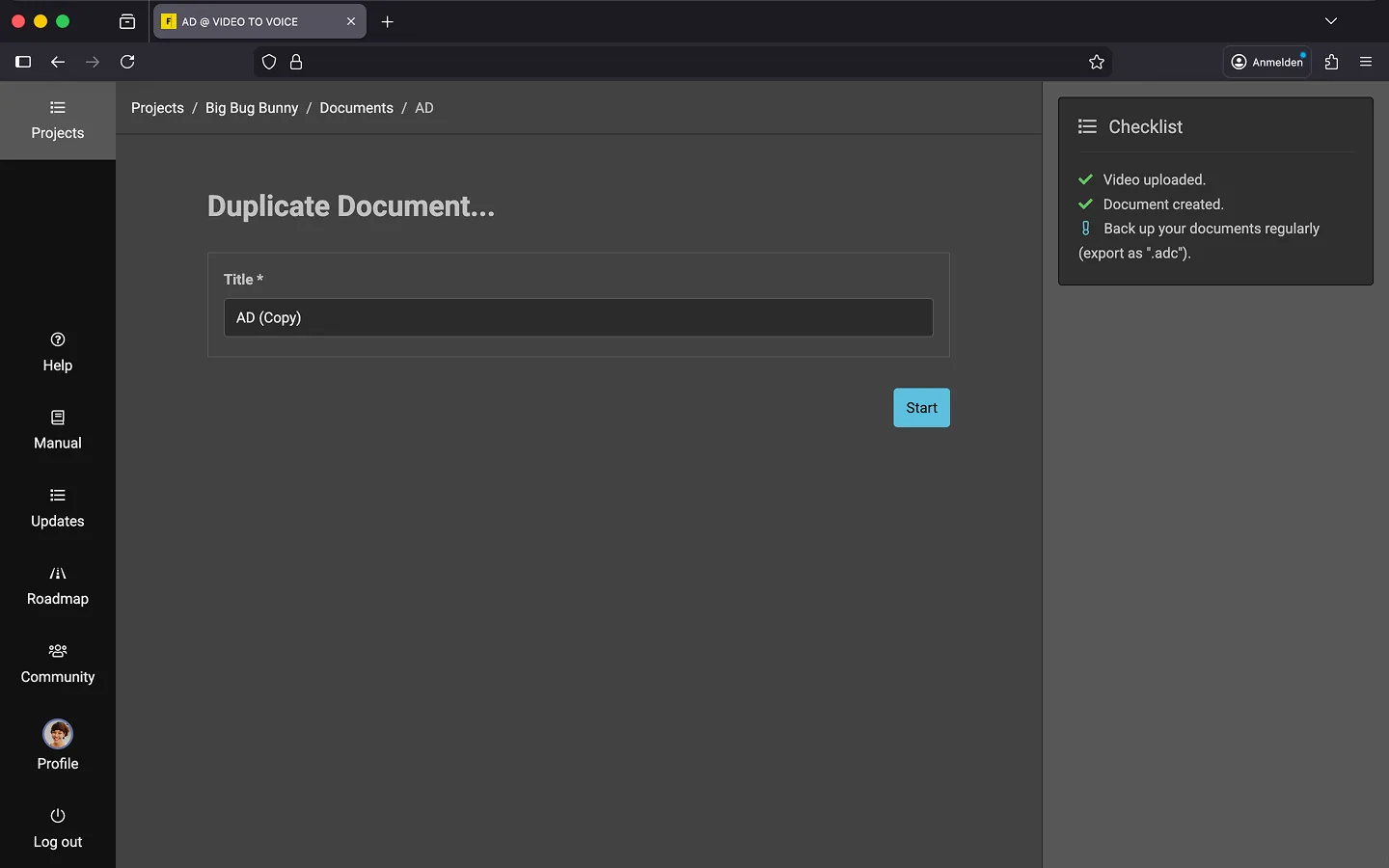
How to Duplicate a Document
You can use the context menu in the editor or in the project overview to start:
- Open the context menu.
- Select the “Duplicate Document…” option.
- Give the copy a new “Title”.
- Click on “Start”.
The system will now create the copy, including text blocks, markers, comments, and glossary entries. Depending on the size of the document, this may take a few seconds, so please be patient…
Last Update: 2026/01/23