
Quick Navigation
Working on a two-hour film with hundreds of descriptions? Need to find a specific text block? With Quick Navigation, you can easily jump to any text block in your document.
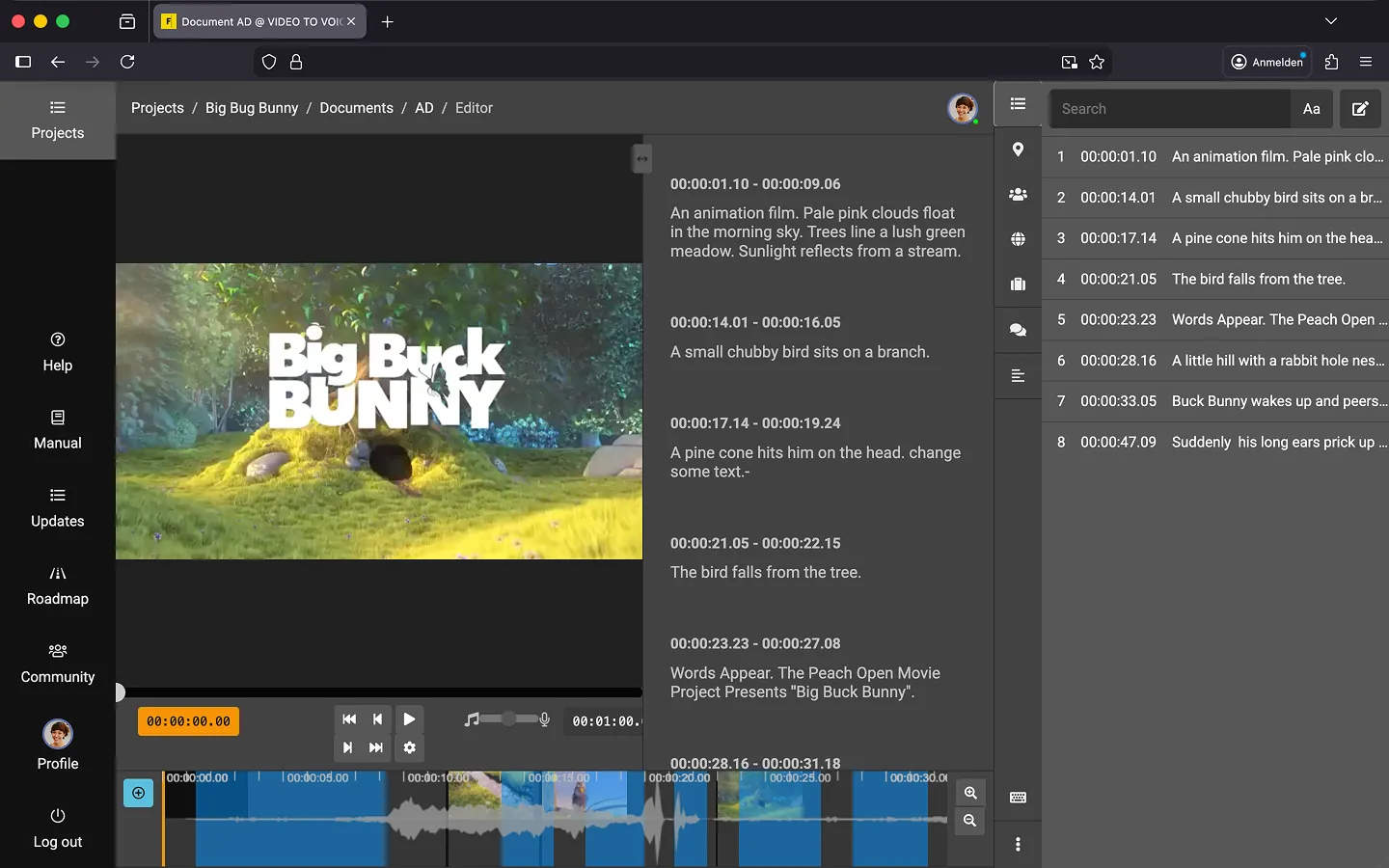
How to Open Quick Navigation
- Click the “List” icon in the toolbar on the top right side of the editor.
- Click on any description in the list.
- Press Space to start playback from this point.
Search Functionality
Quick Navigation also allows you to search for specific words within the document:
- Enter a word in the search bar at the top of the list.
- Optional: Enable case sensitivity
- The list will filter to show only text blocks containing the searched word.
- Click on a matching description to jump directly to the corresponding point in the video.
Note: Currently, the search function only works for text in descriptions. We are working on expanding it to include instructions in future updates.
Last Update: 2026/01/23